Your TV has a better picture hiding in it. Patterns on the screen, instructions in your hand — about fifteen minutes, no meter, no service call.
New TVs leave the factory in a mode built to win a fight under showroom lighting — backlight pinned, sharpness cranked, motion smoothing on. In your living room that reads as crushed shadows, blown highlights, halos around edges, and the soap-opera effect. The fix is well documented and free, and almost nobody does it, because the good instructions assume you already speak PLUGE and 2-point white balance.
TV Cal is the translation layer. You tell it your brand, panel type, and room; it casts the right AVS HD 709 test patterns to the TV from YouTube and then walks you through eight steps — backlight, black level, white detail, sharpness, color & tint, motion, plus gamma and white balance for the ambitious — using the exact menu names and paths your set actually uses.
The phone stays free the whole time, which is the trick that makes it work: the patterns play on the TV, so the screen in your hand can hold the instruction, the slider, and the "here's what you should be seeing" note.
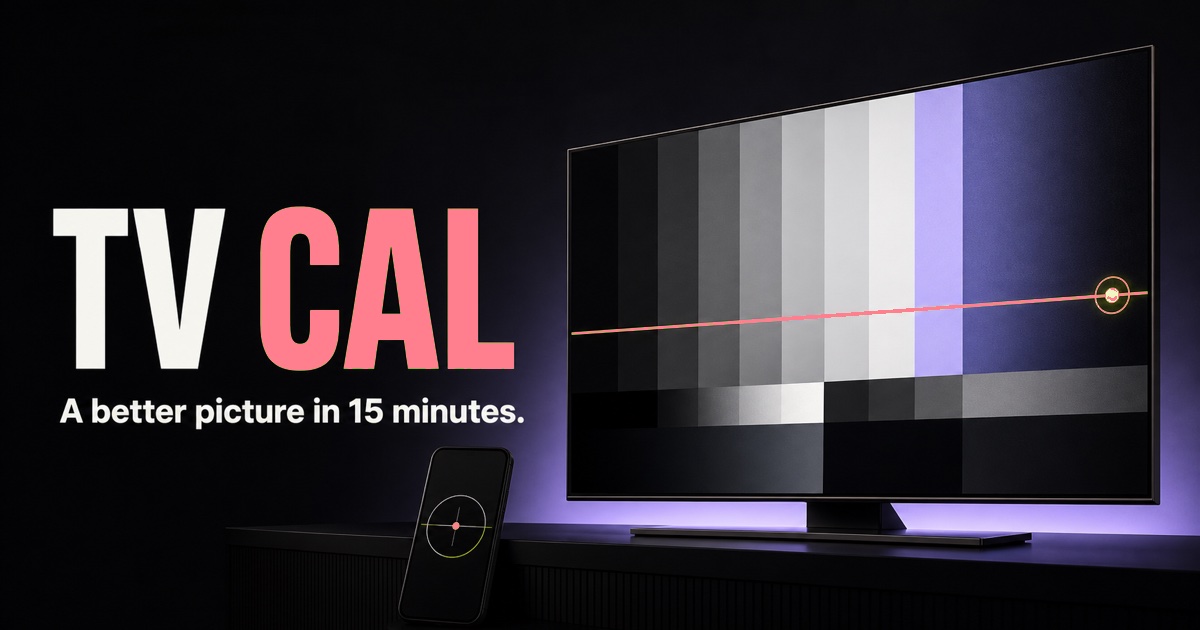
Then there's the part I actually built it for. Point the phone's camera at the TV and it finds the screen, tells you how to line up, waits until you're steady, and reads the bars itself — a live verdict that keeps updating while you're still pressing buttons on the remote. It's the closest thing to a colorimeter you can get out of a phone that's already in your pocket.
No backend, no accounts. Profiles live in localStorage, so the settings you landed on are still there next year when someone factory-resets the thing.
Samsung, LG, Sony, Vizio, TCL, Hisense, Roku TV, Fire TV — each with its own control names, ranges, and menu paths. No more guessing which slider "Shadow Detail" means.
Screen detection, alignment guidance, a steadiness gate, then a rolling read of the bar strip — with a live verdict that updates as you turn the dial.
Color and Tint are traditionally set through blue-filter glasses. The app does it in canvas compositing instead — 60fps on an iPhone, no WebGL, no pixel loops.
The instinct is that you need a colorimeter, because auto-exposure and auto-white-balance make a phone camera useless for absolute measurement. True — and irrelevant. Black level asks whether the near-black bars separate from the background. White clipping asks where the near-white bars stop separating. Both are within-frame comparisons, and both survive the camera lying to you about absolutes, as long as it lies the same way across the frame.
That reframing is the whole engine. It's the same move I make on the plant floor: the expensive instrument is usually answering a coarser question than you assumed, and if you can state the question precisely enough, cheap hardware and honest math will get you there.
The other half was restraint. The engine is framework-free and the UI never sees a raw frame — align, hold, read, verdict. Everything I wanted to add (histograms, delta-E, charts) would have made it a tool for people who already own a colorimeter, which is the one audience that doesn't need it.
Nothing to install and nothing to sign up for. You'll want your TV remote, your phone, and a room lit the way you normally watch.